Query Preview Panel
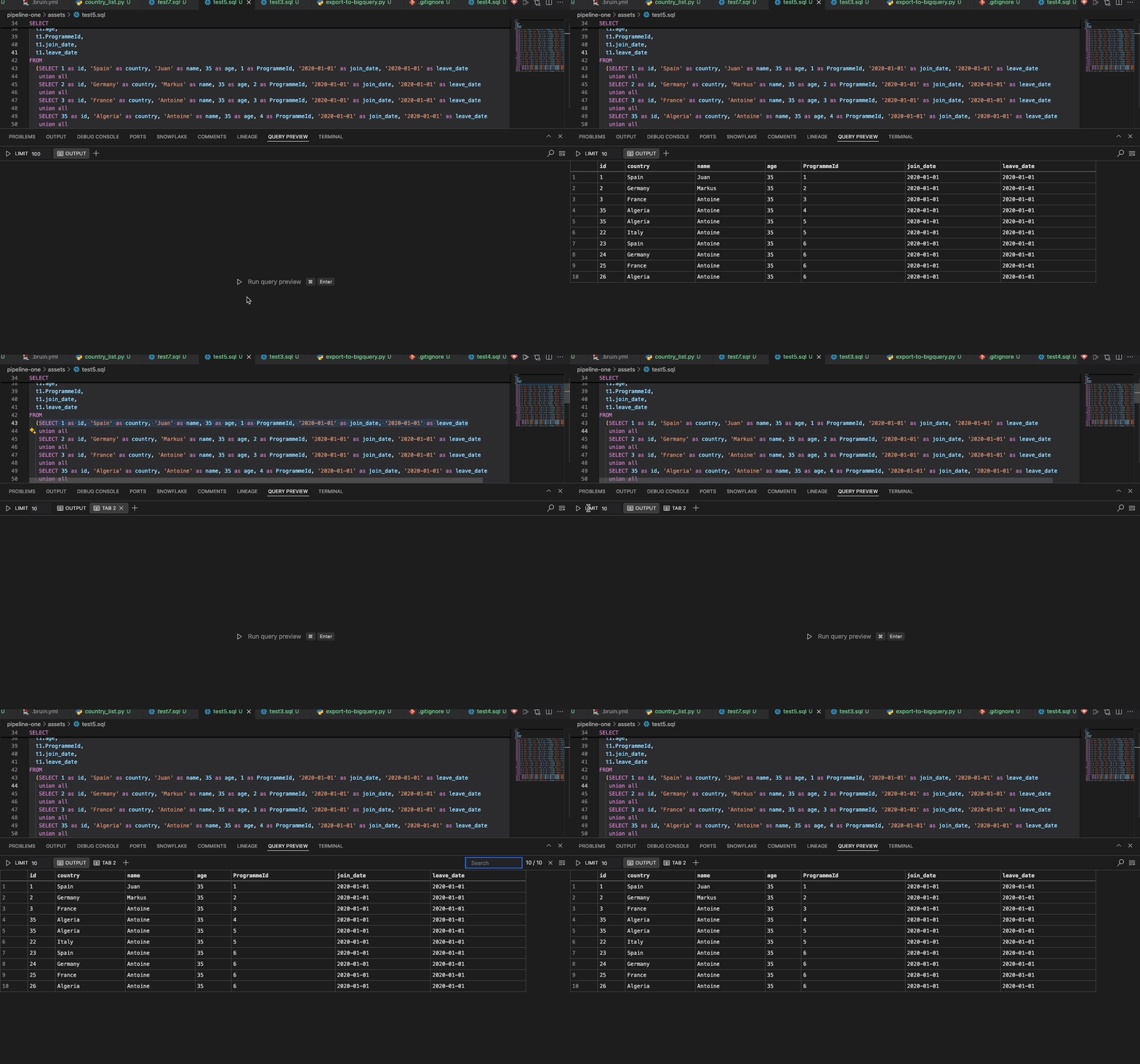
The Query Preview Panel is located at the bottom of the VS Code interface, near the Lineage Panel. It offers a visual representation of the query output, displayed as a table.
Functionality
Display Query Output
- A Run button is available, along with the keybindings
Ctrl + Enter(Windows) orCmd + Enter(Mac). Clicking the button will execute the entire query for the asset and display the result. - The query must be located in a valid Bruin asset, random files are not supported at this time.
- You can also select a part of the query to run. When you highlight a subquery and click Run, only the selected query will be executed, and the result will be shown.
- Limit: The maximum number of rows displayed in the query output is limited to
1000. This limit is editable, but it cannot exceed1000rows. - Clear Icon Button: Clears the results of the current query output.
- Search: Allows you to search for specific words within the query output. The number of matches found is displayed along with the total number of rows.
- Pagination: Added pagination support to navigate through large query results efficiently.
- A Run button is available, along with the keybindings
Query Timeout and Cancellation
- Timeout Support: Queries now support configurable timeout settings to prevent long-running queries from blocking the interface.
- Query Cancellation: You can cancel running queries using the cancel button that appears during query execution.
- Improved Performance: Better handling of query execution with enhanced timeout management.
Multi-Tab Functionality
Multiple queries can be run in separate tabs, allowing you to add or delete tabs as needed. When you run a query, the output is displayed in the current tab, while the other tabs retain their individual query outputs.
Search and Clear work independently within each tab, just as the Run function does.